Skald - GUI framework for Odin
I found this project called Skald which can be used to create beautiful GUI in Odin.
The creator of Skald also created a text engine Runa used by Skald.
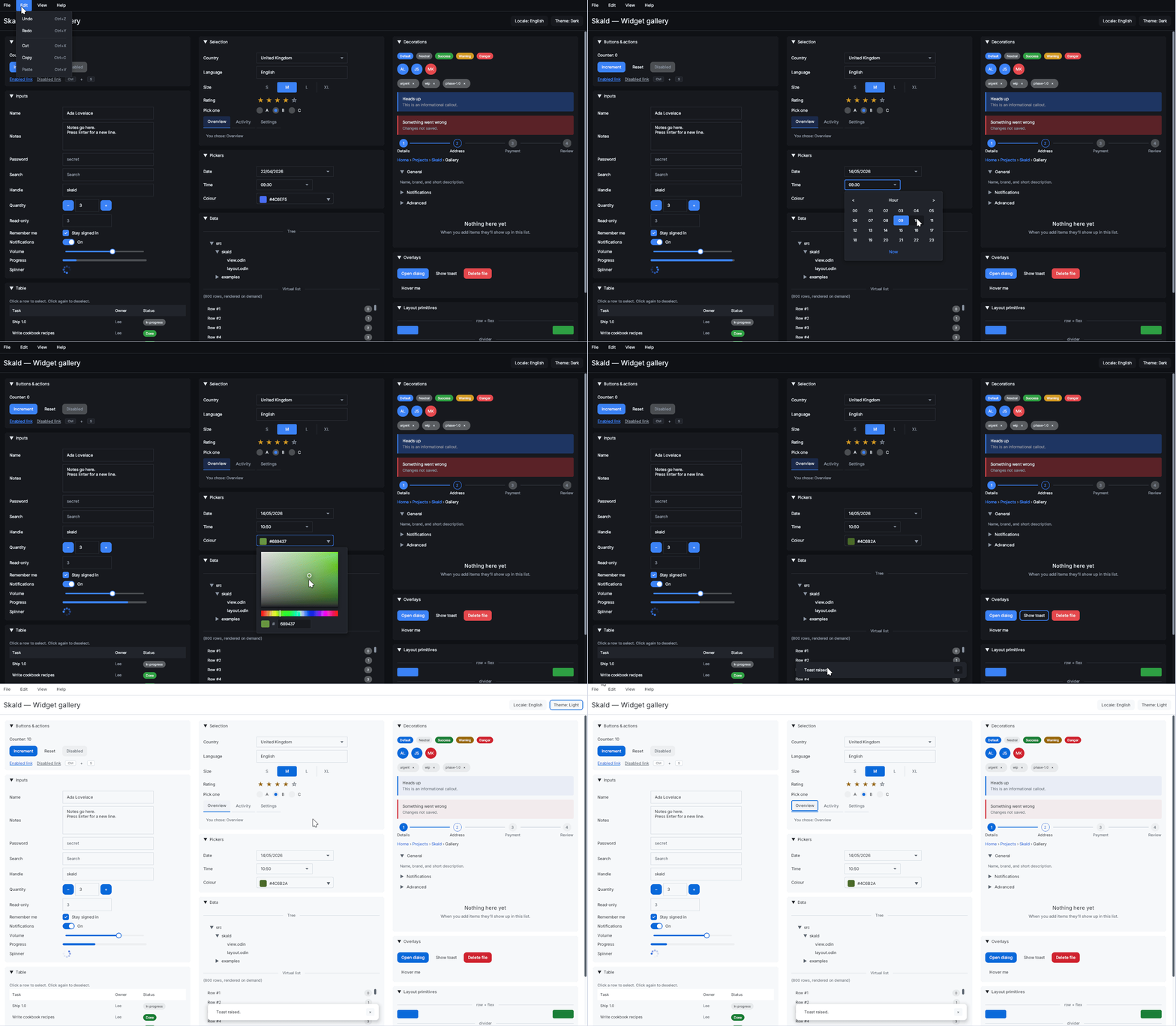
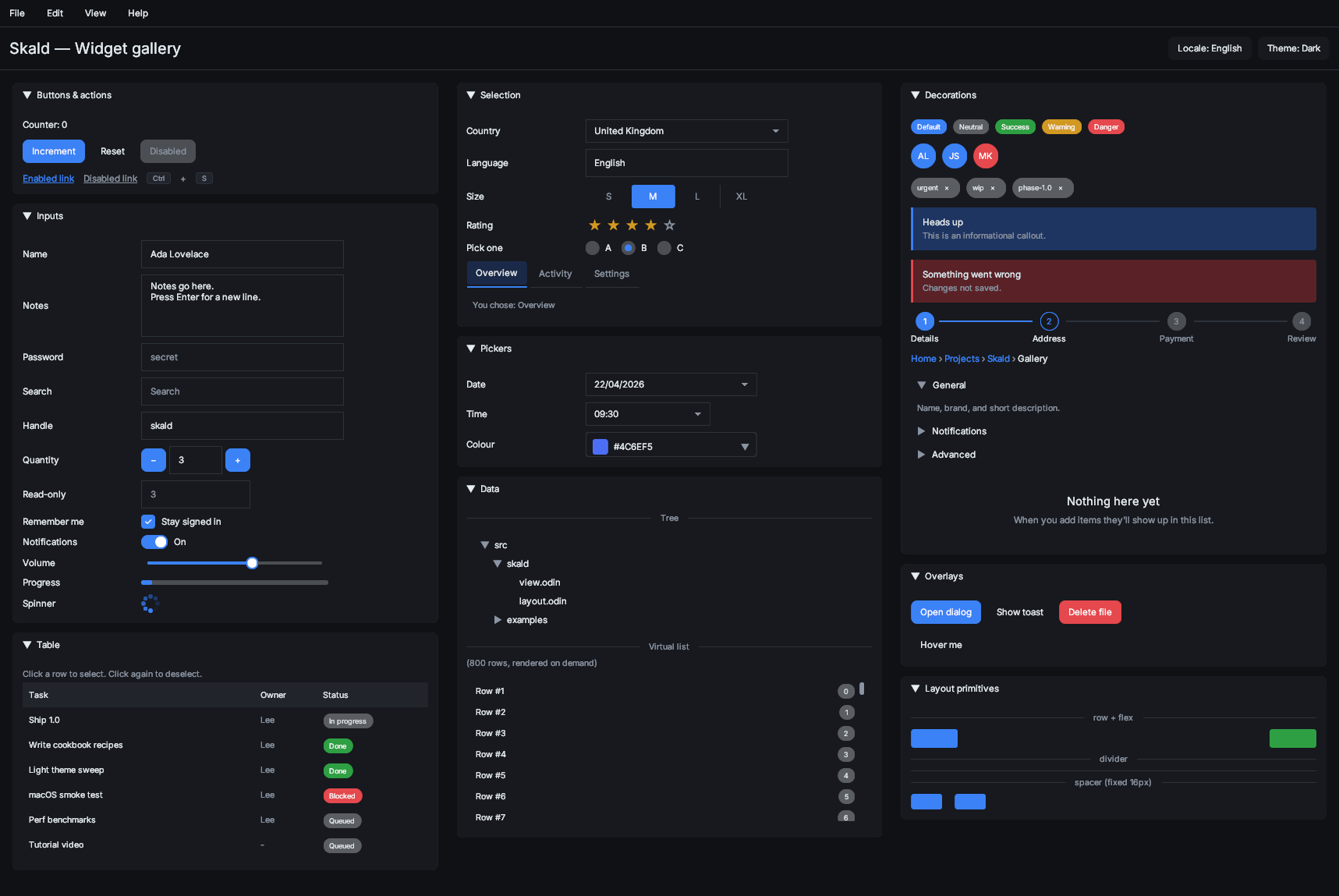
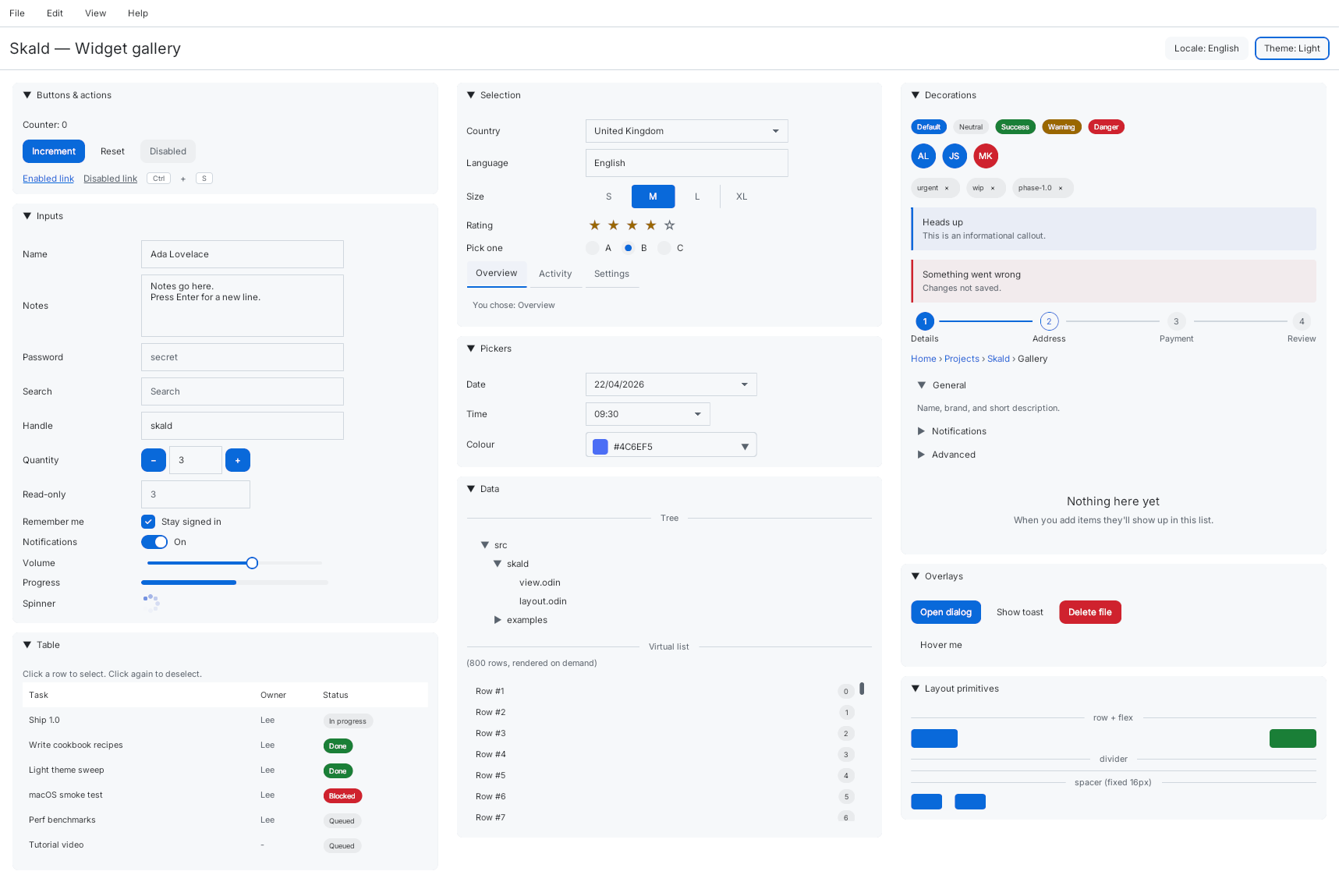
Skald Uses SDL3
NOTE
Skald has one external C dependency:SDL3.
Odin has bindings for SDL3.
Instructions for using SDL3 for Skald in Odin is given below.
For more instructions, see:
Skald - Quick Start
For Windows, SDL3 is bundled with Odin.
For macOS, install it using Homebrew: brew install sdl3
For Linux most new distros has SDL3 in their repositories.
NOTE
You should install the development libraries of
SDL3in Linux for software development.
Not ordinarySDL3library.
Usually, these have the suffixdevordevel.
For older versions of Debian Linux, I compiled SDL3 by following the below
instructions. For building SDL3 on other distros, see the following link for
downloading the build dependencies.
Linux Build Dependencies - SDL Wiki
Read the repository docs for detailed information.
Compiling SDL3 in Debian and Ubuntu
NOTE
You don’t need to do any of these if you installed
SDL3libraries from the Linux distro repository.
Older versions of Debian do not haveSDL3in the repo.
Build Dependencies
For Debian and Ubuntu 18.04, all available features enabled:
sudo apt-get install \
build-essential git make pkg-config cmake ninja-build gnome-desktop-testing \
libasound2-dev libpulse-dev libaudio-dev libfribidi-dev libjack-dev \
libsndio-dev libx11-dev libxext-dev libxrandr-dev libxcursor-dev libxfixes-dev \
libxi-dev libxss-dev libxtst-dev libxkbcommon-dev libdrm-dev libgbm-dev \
libgl1-mesa-dev libgles2-mesa-dev libegl1-mesa-dev libdbus-1-dev \
libibus-1.0-dev libudev-dev libthai-dev libusb-1.0-0-dev
For Ubuntu 22.04+, you can also add these:
sudo apt-get install \
libpipewire-0.3-dev libwayland-dev libdecor-0-dev liburing-dev
By default SDL will only link against glibc, the rest of the features will be
enabled dynamically at runtime depending on the available features on the target
system. So, for example if you built SDL with XRandR support and the target
system does not have the XRandR libraries installed, it will be disabled at
runtime, and you won’t get a missing library error, at least with the default
configuration parameters.
Clone SDL Repository
Clone the SDL3 repository:
git clone https://github.com/libsdl-org/SDL
Switch to a release tag:
# View all tags in sorted order.
git tag --list | sort -V

# Checkout to a release tag.
git checkout 'release-3.4.14'
Compile SDL3
Inside the SDL3 repository, run the following:
mkdir -p build
cd build
cmake .. -DCMAKE_BUILD_TYPE=Release
cmake --build . -j"$(nproc)"
Copy the Compiled Libaries
Copy the following files to ~/.local/lib directory
(or any other directory of your choice, I prefer this directory).
libSDL3.so— This is probably a symlink.libSDL3.so.0— This is probably a symlink.libSDL3.so.0.4.14— This is the actual library file.
NOTE
The exact name of the library file depends on the library version which itself depends on the selected Git tag such as
release-3.4.14which was used for buildingSDL3library.
Check Symlinks
Make sure the symlinks of copied library files work properly.
readlink -f "$HOME/.local/lib"/libSDL3*.so*

# Also, try this:
ls -l "$HOME/.local/lib"/libSDL3*.so*

# With colored output:
ls --color=always -l "$HOME/.local/lib"/libSDL3*.so*
readlinkmust output 3 lines for the 3 files.lscommand should show that the symlinks point to files that exist.lscommand shows symlinks in RED color for broken symlinks.
Program needs to know about library location ~/.local/lib
At Compile Time
The linker used by Odin compiler needs to find the location of SDL3 libraries.
Add the flag -extra-linker-flags in build and run commands in Odin.
odin run src -extra-linker-flags:"-L'$HOME/.local/lib'"
odin build src -extra-linker-flags:"-L'$HOME/.local/lib'"
-
-extra-linker-flagspasses its value to a linker such asld. -
Each
-Lflag adds a directory location. -
-Lflag is used by linker programld, not by the Odin compiler. -
Linker searches for
SDL3library files in~/.local/libdirectory.
If there is some problem, show verbose output of the linker using -v flag:
odin run src -extra-linker-flags:"-L'$HOME/.local/lib' -v"
odin build src -extra-linker-flags:"-L'$HOME/.local/lib' -v"
At Runtime
When running the built binary, you need to again add the location to the
environment variable LD_LIBRARY_PATH used by ld linker.
Add these lines to your ~/.bashrc file or ~/.profile file:
export LD_LIBRARY_PATH
LD_LIBRARY_PATH="$HOME/.local/lib:${LD_LIBRARY_PATH}"
The following is a better version because if LD_LIBRARY_PATH is already empty,
then an extra colon (:) will be at the end of LD_LIBRARY_PATH value.
export LD_LIBRARY_PATH
LD_LIBRARY_PATH="$HOME/.local/lib${LD_LIBRARY_PATH:+:$LD_LIBRARY_PATH}"
Verify the above code works by opening a new terminal window and running the
following command:
echo $LD_LIBRARY_PATH
- If the output is empty then there is some problem like syntax error or wrong
~/.bashrcfile or~/.profilefile. - Also, remember to open a new terminal window after changing
~/.bashrcfile. - If you changed
~/.profilefile, then you need to again login to the system,
or if you are usingTmuxtry opening a new window or new session inTmux.
This may work becauseTmuxopens a new login-shell-session.